> ## Documentation Index
> Fetch the complete documentation index at: https://bytebeam.io/docs/llms.txt
> Use this file to discover all available pages before exploring further.
# Add Device Heartbeat Parameters
> Learn how to add device parameters to your device shadow stream with these step-by-step instructions. Navigate to the Admin tab, and easily add highlighted device parameters to ensure they are visible in the device shadow. Enhance your device monitoring abilities.
To add device parameters
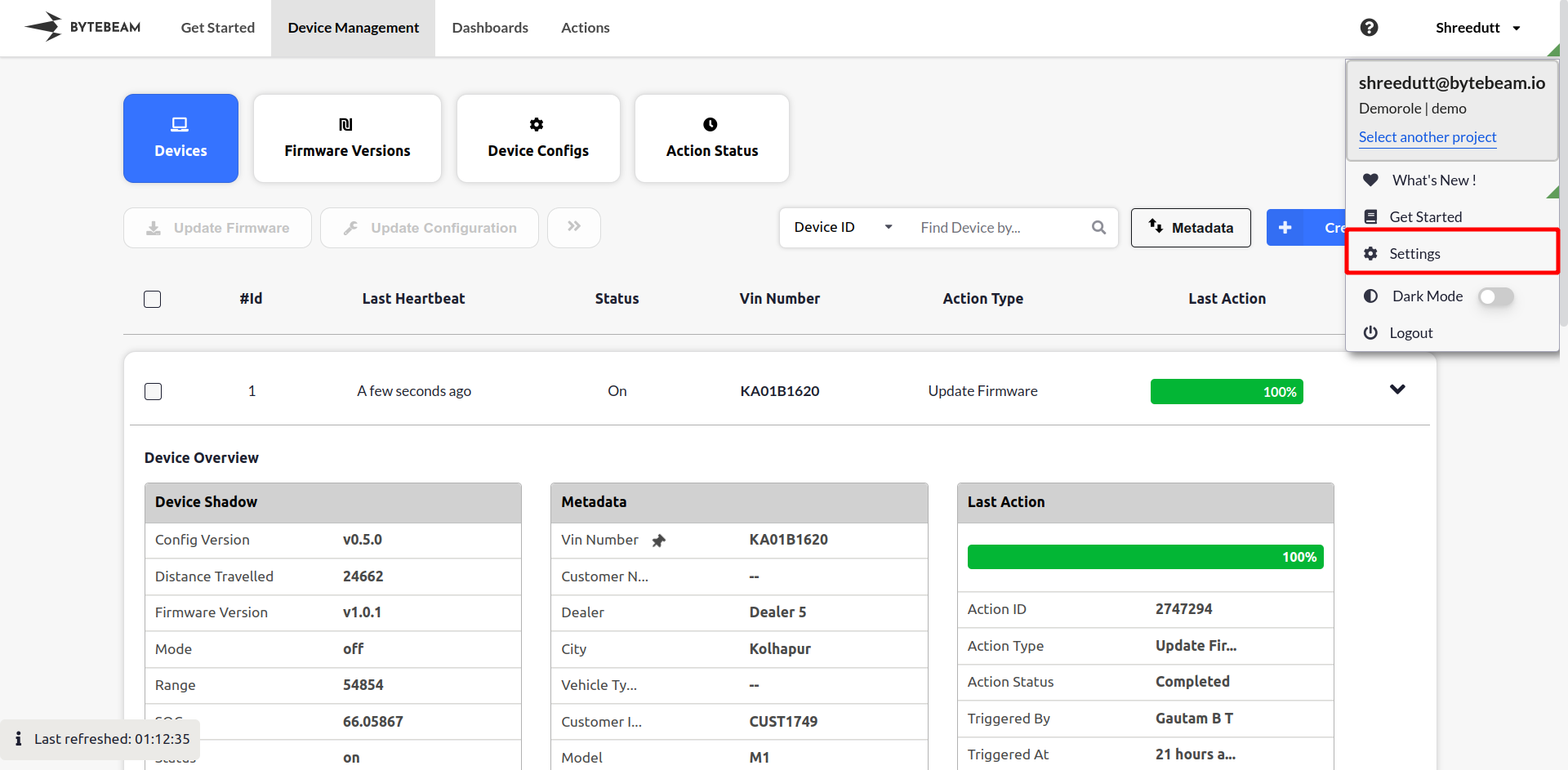
**Step 1:** Navigate to the ***Settings Tab*** by clicking on the user name at the top right
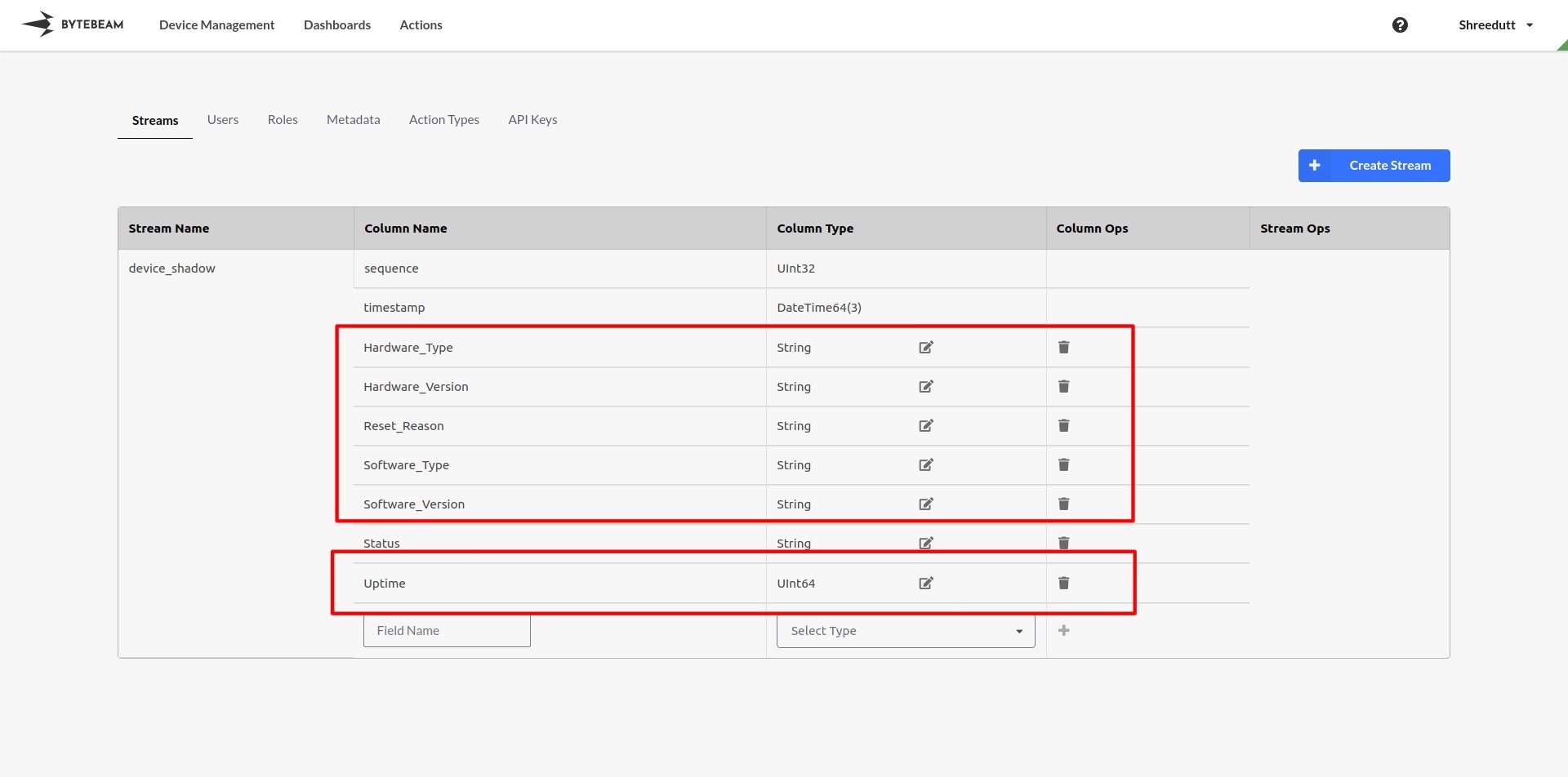
 **Step 2:** Add the highlighted device parameters in the device shadow stream.
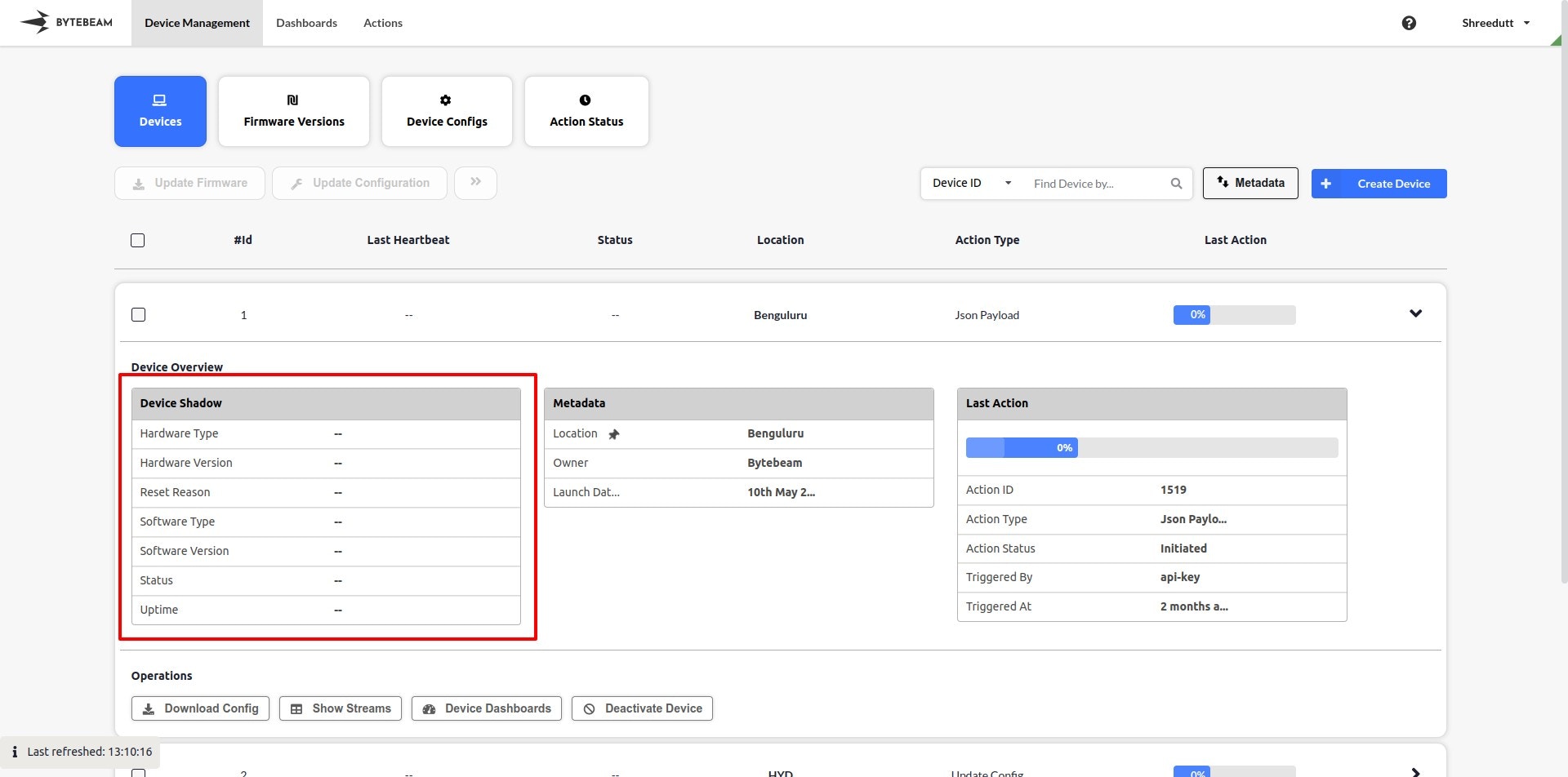
 **Step 3:** You should see the device parameters in the device shadow.