> ## Documentation Index
> Fetch the complete documentation index at: https://bytebeam.io/docs/llms.txt
> Use this file to discover all available pages before exploring further.
# R3 10-Feb-2023
> Product Update by 10 Feb 2023, Device Management design overhaul, Advanced edits in dashboard, Description option in the Dashboard settings and other changes
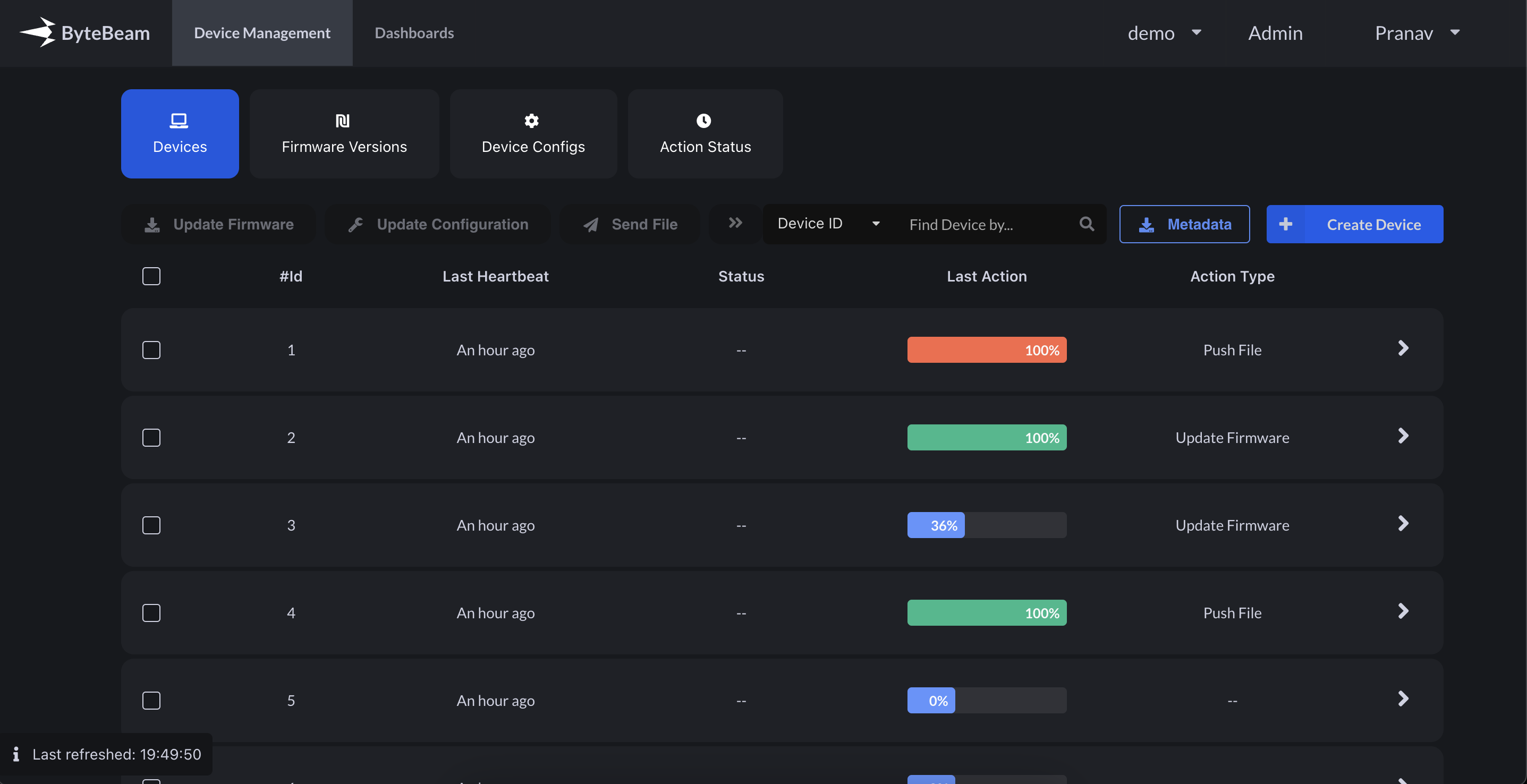
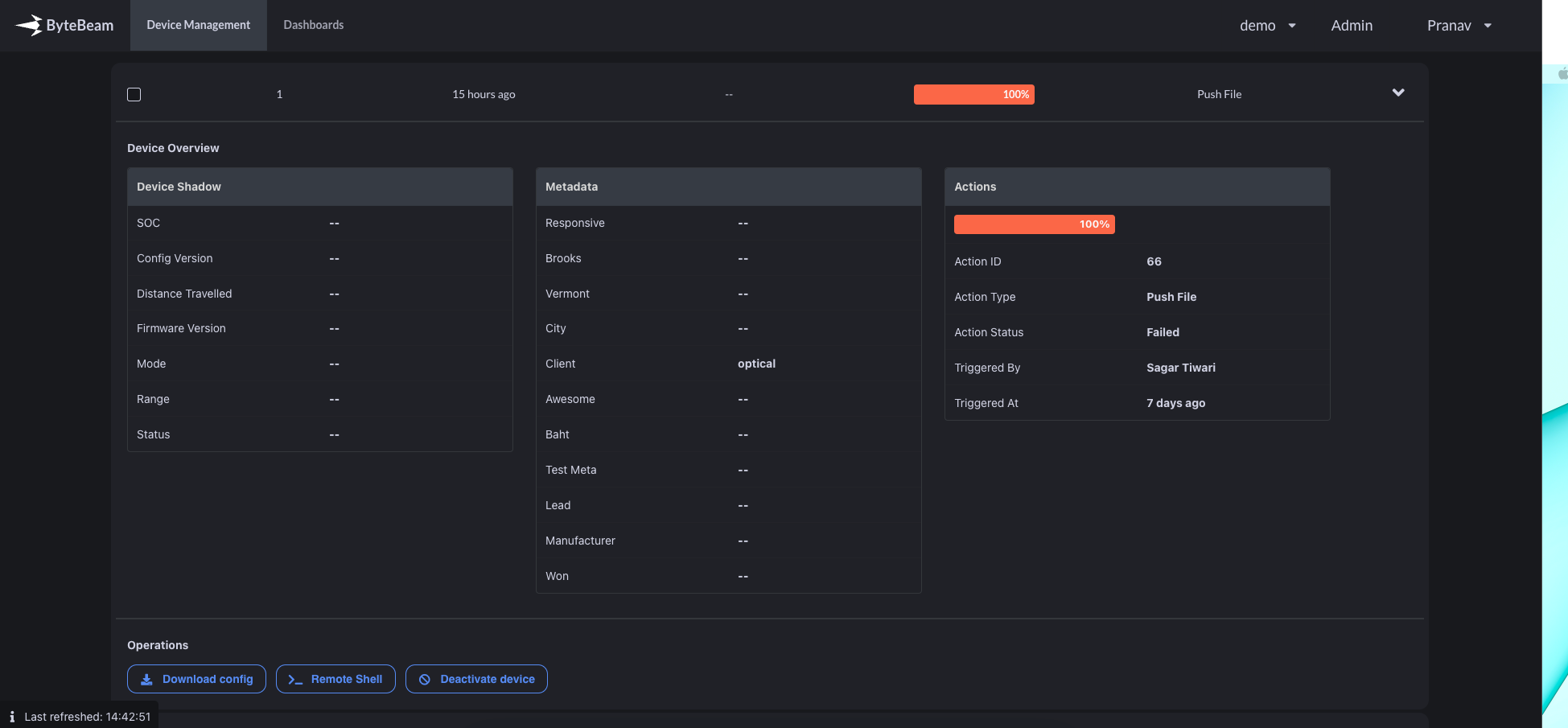
## Device management design overhaul
We have made more space in the device management by organising the Metadata, Device shadow and recent Action details inside the collapsible Accordion.
 ## Advanced edit in dashboards
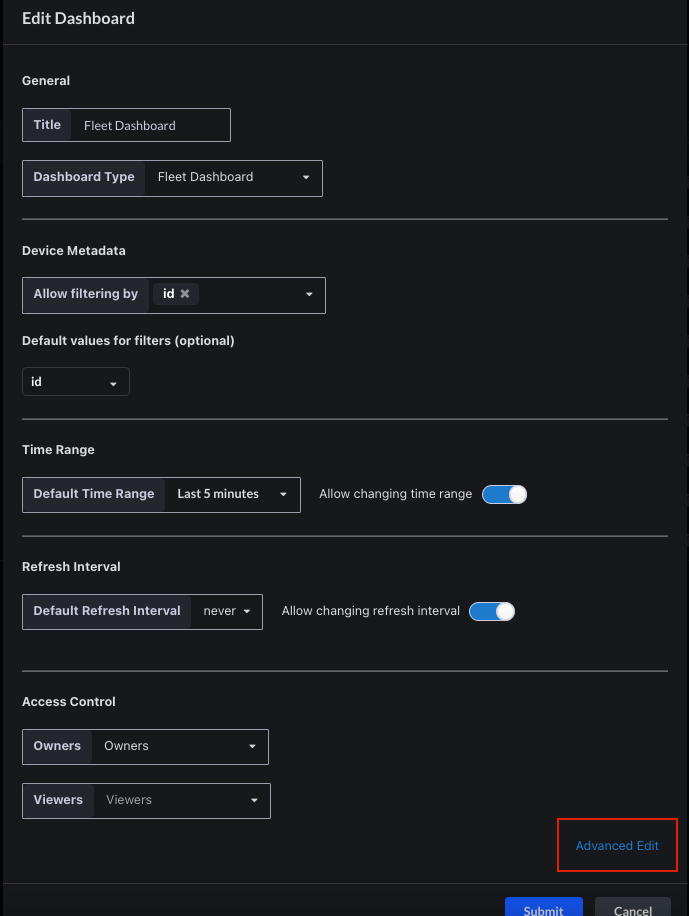
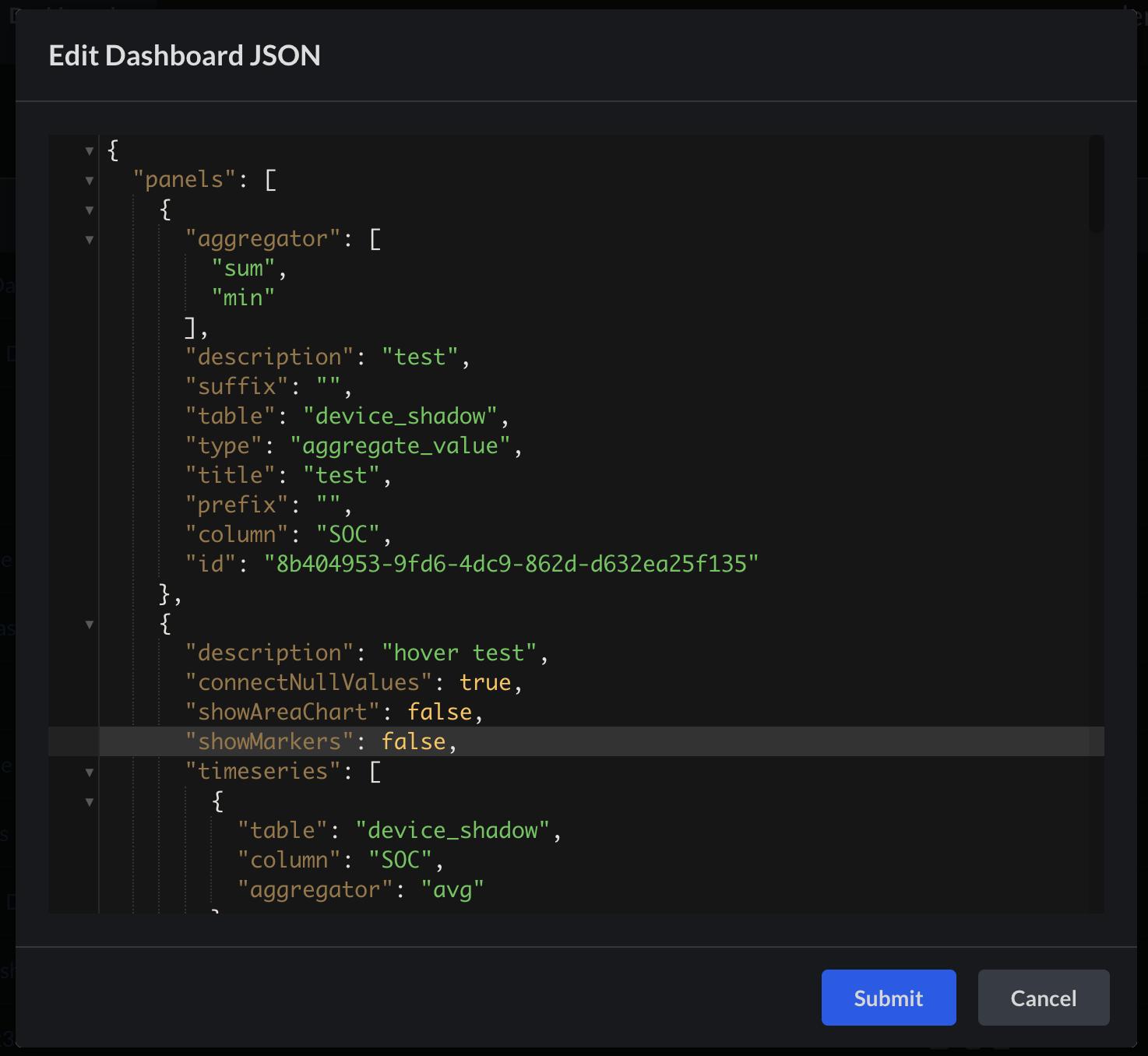
When you edit the dashboard you get an 'Advanced Edit' option at the bottom, on clicking it you get taken to editor page, where power users can directly edit the JSON body of the Dashboard
## Advanced edit in dashboards
When you edit the dashboard you get an 'Advanced Edit' option at the bottom, on clicking it you get taken to editor page, where power users can directly edit the JSON body of the Dashboard
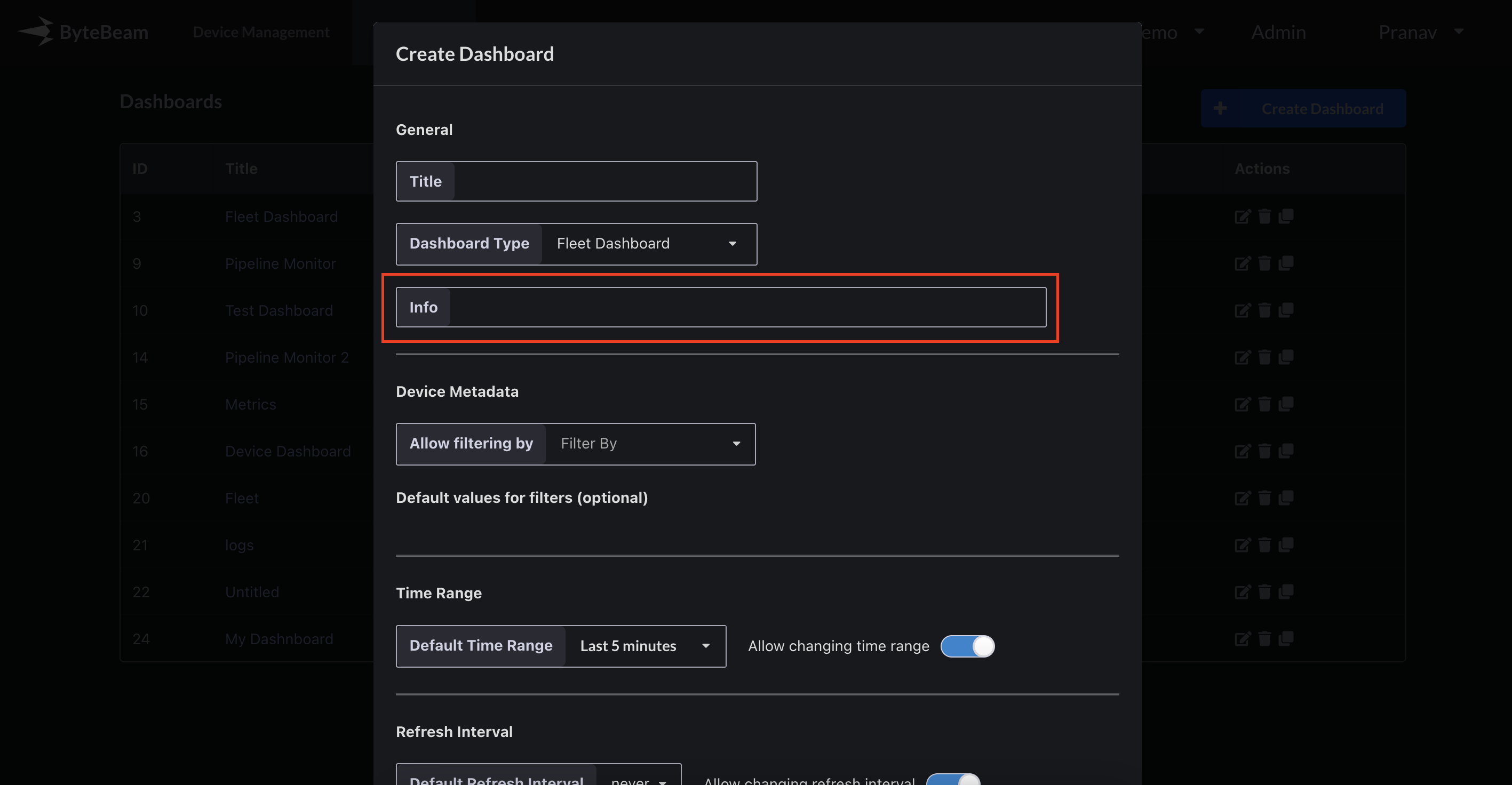
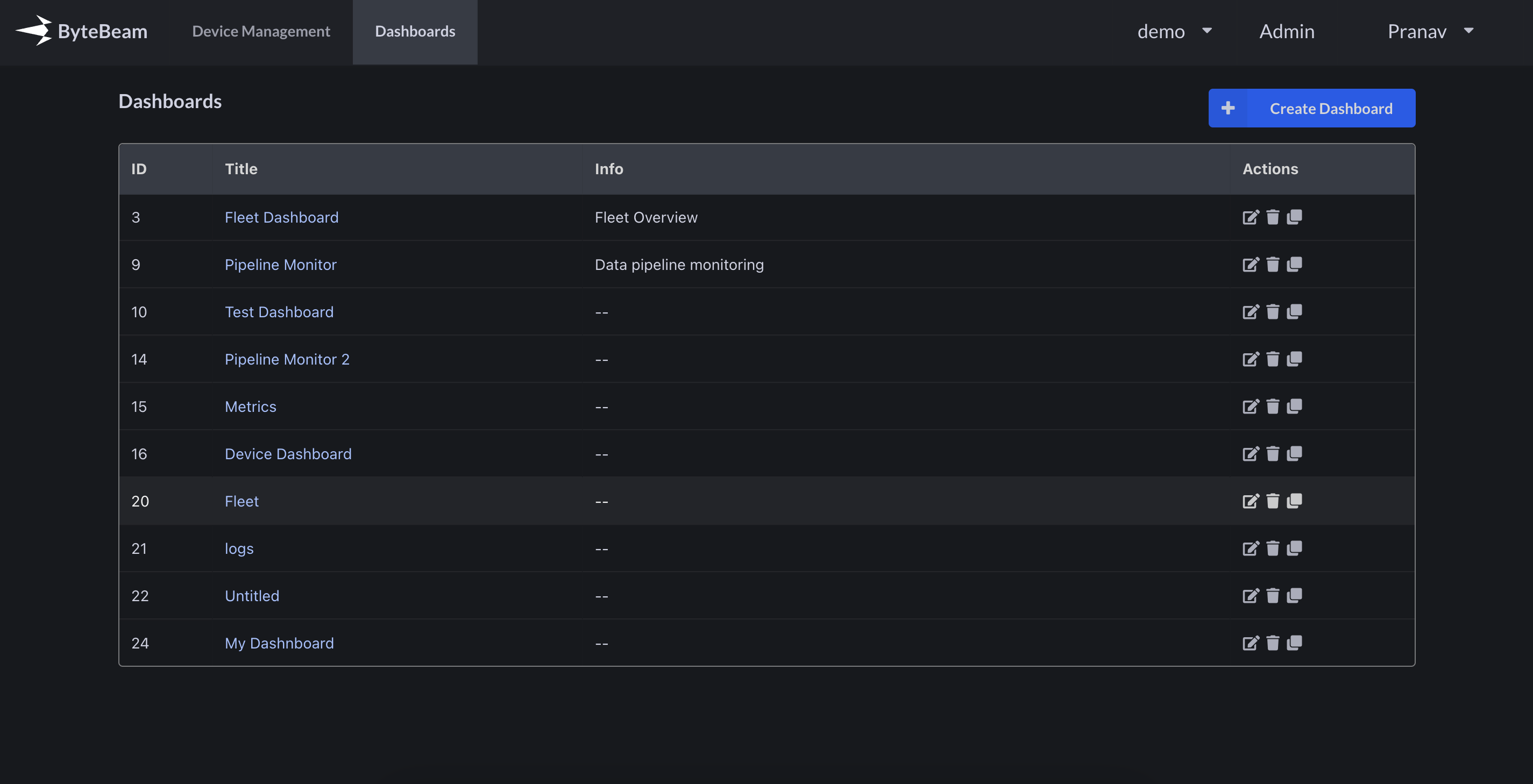
 ## Info(description) option in the Dashboard settings
You can now add Info in Dashboard settings, which would be visible in Dashboard list
## Info(description) option in the Dashboard settings
You can now add Info in Dashboard settings, which would be visible in Dashboard list
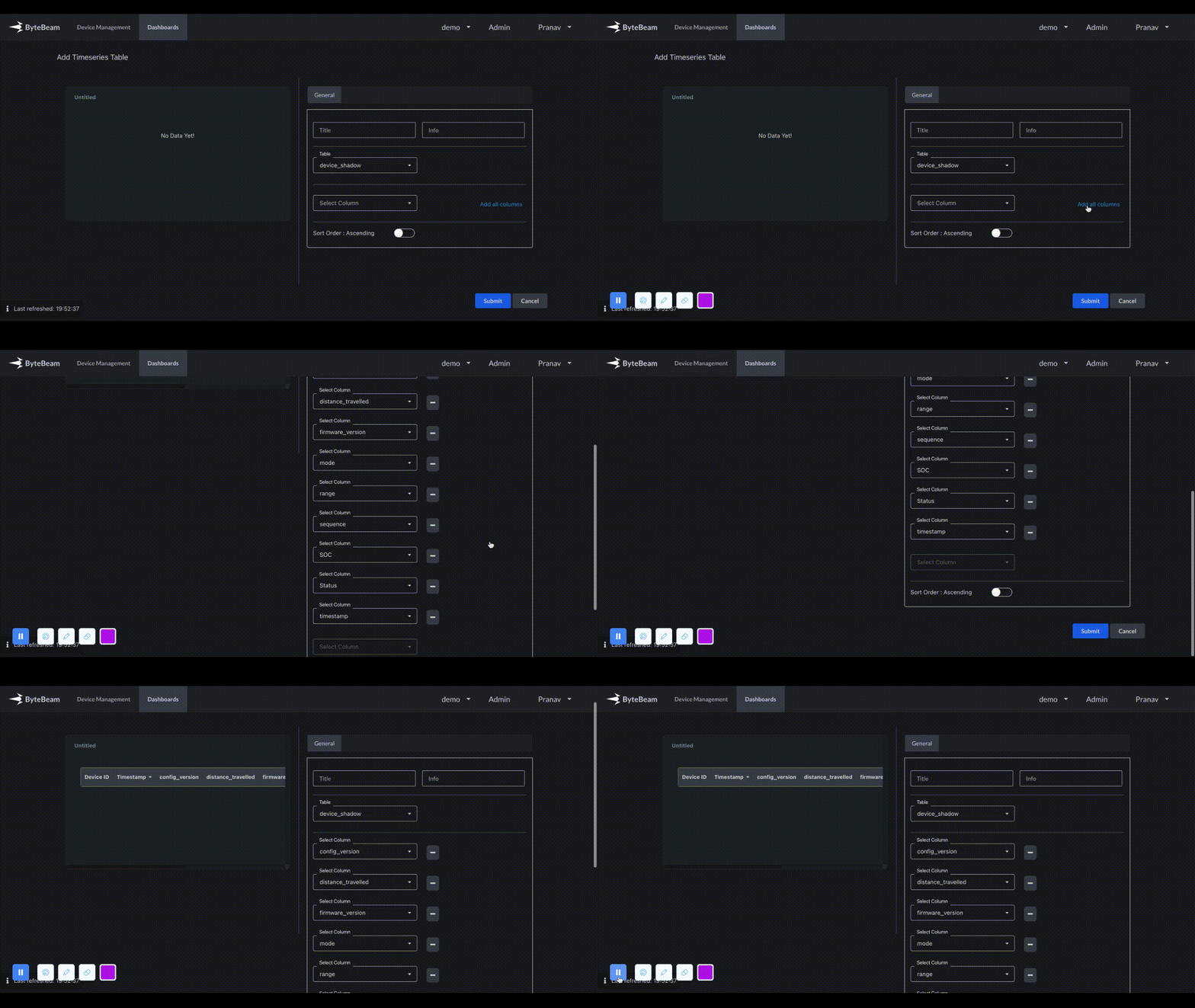
 ## Add all columns option in Timeseries Panel
TimeSeries panel now has an option to add all columns in one click
## Add all columns option in Timeseries Panel
TimeSeries panel now has an option to add all columns in one click
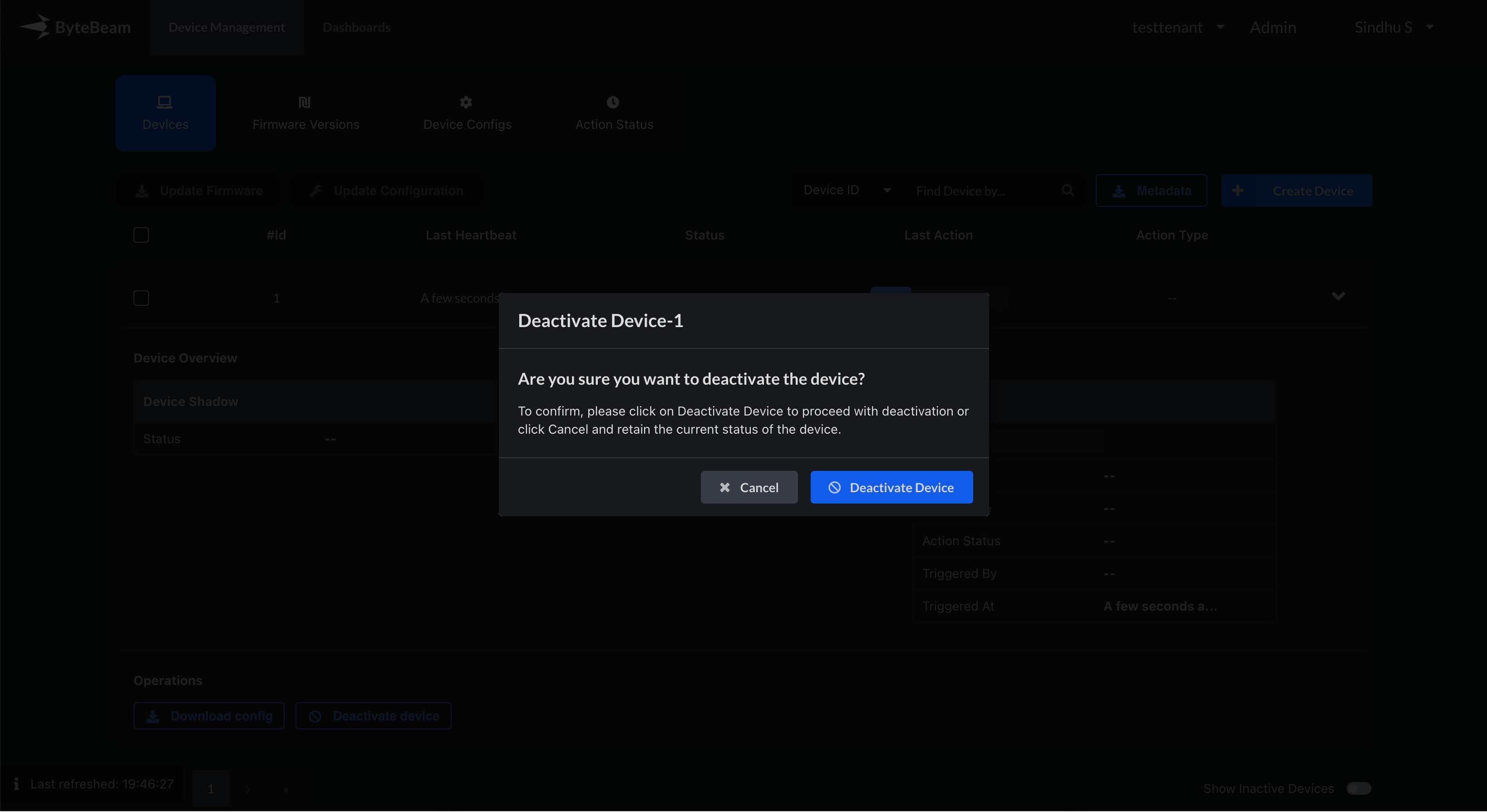
 ## Confirmation dialog on activating and deactivating device
Now the platform will ask for confirmation, when any device is activated or deactivated
## Confirmation dialog on activating and deactivating device
Now the platform will ask for confirmation, when any device is activated or deactivated
 ## Bug fixes & Minor changes
* Few bug fixes in Aggregate panel and Project selection modal
* Showing Payload Type in Actions List page inside Admin tab
* Bug fix for when after creating Actions or Metadata, we had to refresh the page again to see the new entries
## Bug fixes & Minor changes
* Few bug fixes in Aggregate panel and Project selection modal
* Showing Payload Type in Actions List page inside Admin tab
* Bug fix for when after creating Actions or Metadata, we had to refresh the page again to see the new entries