

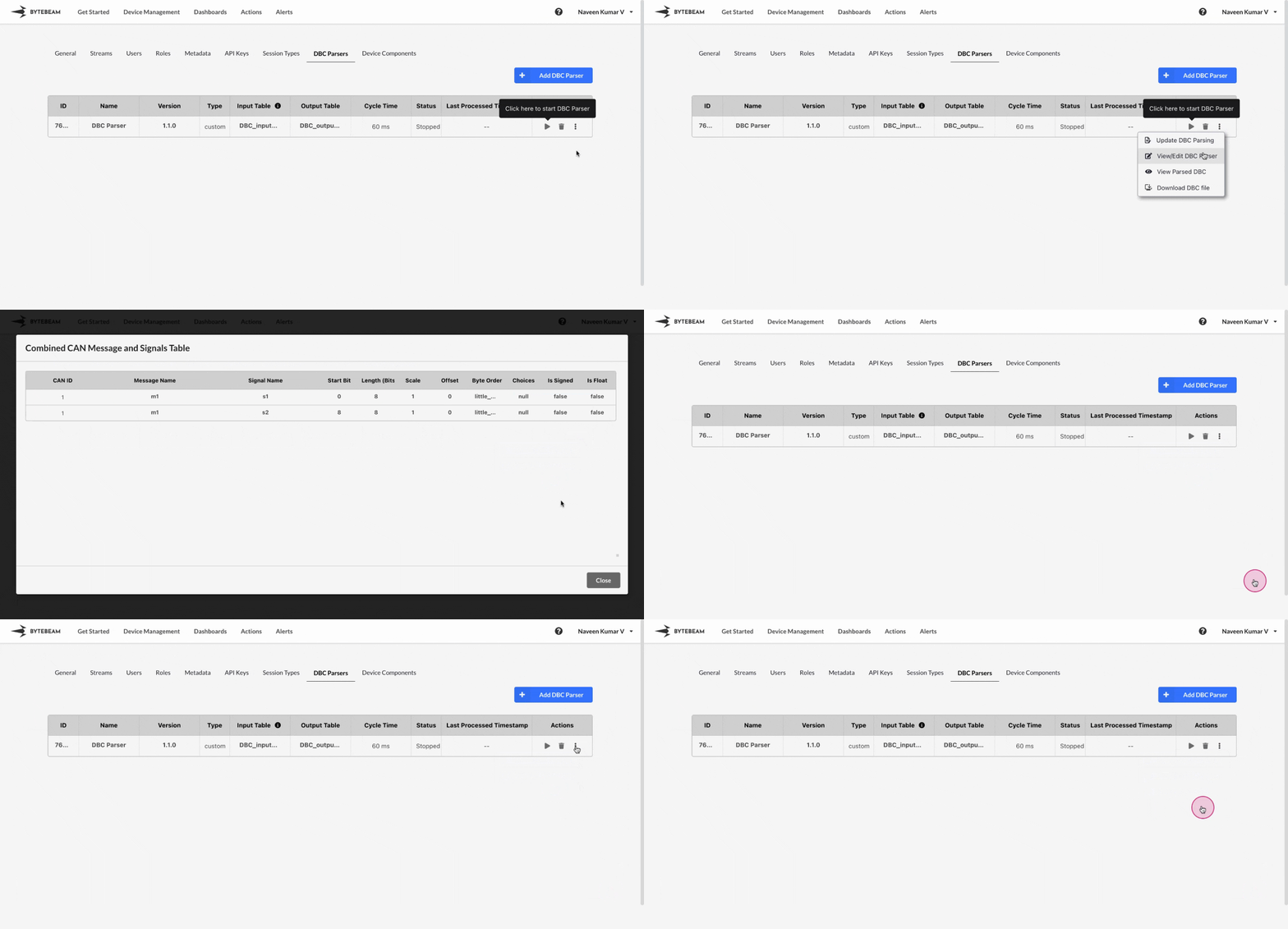
 To view the parsed DBC in Bytebeam console,
1
Access Settings Tab
Navigate to the Settings Tab by clicking on your username at the top right
2
Go to DBC Parsers Tab and Initiate DBC Parser Update
Navigate to the DBC Parsers tab, click on the 3 dots against the DBC parser and click on View Parsed DBC option to see the parsed data in tabular format.
1
Access Settings Tab
Navigate to the Settings Tab by clicking on your username at the top right
2
Go to DBC Parsers Tab and Initiate DBC Parser Update
Navigate to the DBC Parsers tab, click on the 3 dots against the DBC parser and click on Download DBC File option.